Search info
What Are You Looking For?

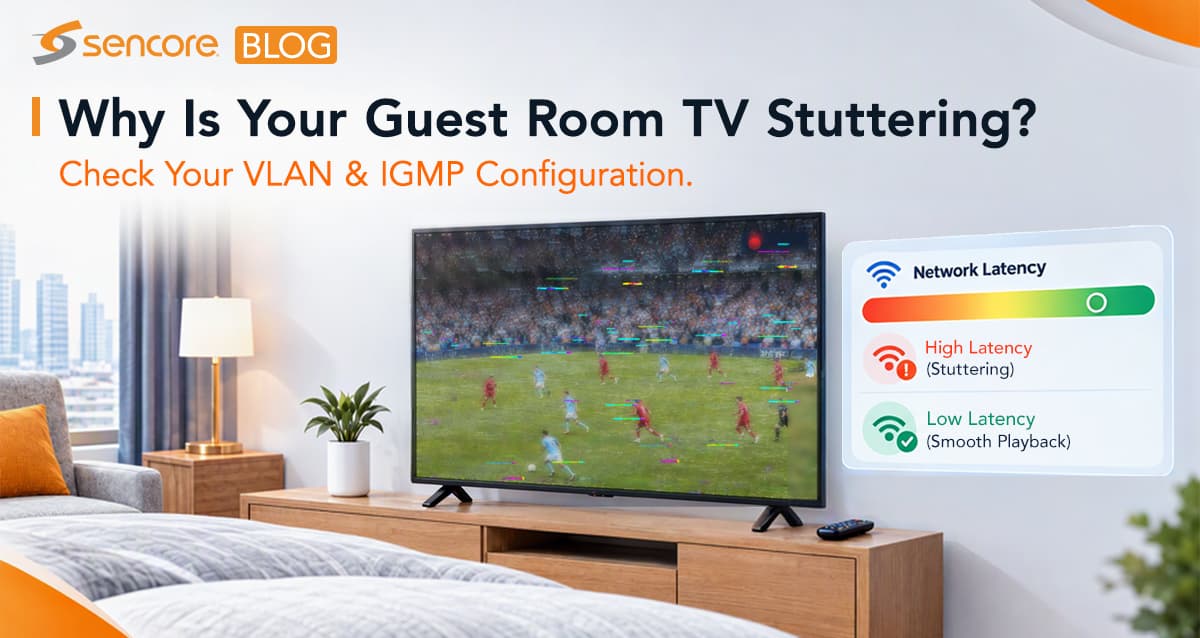
Frozen frames, black screens and stuttering live IPTV are top pain points for hotel IT teams. These issues frequently appear on Samsung hospitality TVs, LG commercial displays and Android STBs. In most cases, problems are not caused by TV or STB hardware — they stem from misconfigured network settings: VLAN segmentation, IGMP Snooping and IGMP Querier. Common Symptoms Random freeze or static frames on channel change Black screen after switching channels, while other rooms work fine Video plays briefly then locks; only TV reboot restores service Slow channel-zapping response Even with sufficient total bandwidth, misconfigured multicast and VLAN settings can break your guest viewing experience. 1.VLAN Misconfiguration IPTV traffic should run on a dedicated isolated VLAN (typically VLAN 10). Guest internet, VoIP and admin services must sit on separate VLANs. Typical mistakes: IPTV and guest WiFi share the same broadcast domain, causing packet loss from heavy guest traffic Incorrect access/trunk/hybrid port tagging for TV/STB wall ports VLAN leakage between service domains Fixes: Assign TVs/STBs to untagged access ports on dedicated IPTV VLAN 10; never mix IPTV with guest-internet traffic. Use trunk ports only for switch-to-switch uplinks with 802.1Q tagging. Use hybrid ports for rooms needing both IPTV and VoIP over one physical cable. Assign QoS priority to video traffic during network peak hours. 2.IGMP Snooping Mis-setup IGMP Snooping is the multicast efficiency engine for IPTV. Disabling it floods all TV channels to every port, wasting bandwidth and triggering stuttering. Typical mistakes: IGMP Snooping disabled on floor access switches Inconsistent snooping status across different floor switches Poor timer values leading to slow channel-change performance Fixes: Enable IGMP Snooping on all Layer 2 access switches. Switches will only send requested channels to relevant room ports. New deployments: use IGMPv3 (SSM); legacy environments stay with IGMPv2. Tune IGMP timers for <100 ms channel-zapping latency. 3.IGMP Querier Issues IGMP Querier polls endpoints to check active TV viewers and releases unused multicast bandwidth. Typical mistakes: No Querier present on IPTV VLAN 10 →random black screen / frame freeze Multiple conflicting Queriers active on same VLAN Querier enabled on L2 access switches instead of core L3 switch Fixes: Run IGMP Querier only on the Layer 3 core switch for IPTV VLAN One querier will be elected per VLAN. Disable querier function on all floor L2 switches to avoid conflicts. Adjust querier timers to match your IPTV deployment. Wrong timers commonly cause failures on Samsung & LG hospitality TVs. End-Device Quick Checks for Samsung / LG / Android STBs Samsung / LG TVs: highly sensitive to IGMP timer misconfiguration; often show black screen without clear error messages. Android STBs: tend to show picture freeze under multicast flooding. Ensure correct ...
Read More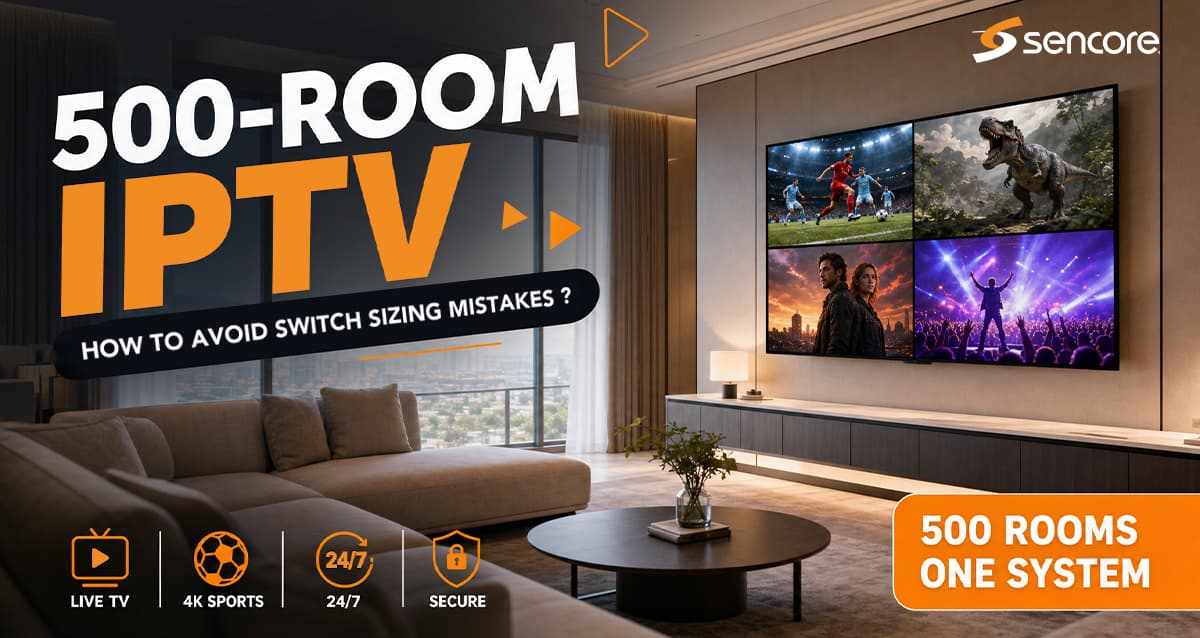
Large hospitality IPTV deployments (hotels, resorts, hospitals, cruise ships) live or die by proper switch selection. Many integrators struggle with hardware sizing for a 500-room site with 50 live channels at 6 Mbps each. Poor switch choices trigger multicast flooding, bandwidth bottlenecks and video disruptions that hurt guest satisfaction. Traffic Baseline Note A common mistake: calculating total load as rooms × channels × bitrate. Thanks to IGMP Snooping, switches only forward channels that rooms are actively watching. Overall load depends on concurrent viewers, not maximum possible streams. Sizing Layer 2 Access Switches Layer 2 switches sit at floor level, connecting guest-room TVs and STBs. · For 500 rooms: 12-21 L2 access switches, distributed by floor/zone (24-48 ports per unit). · Mandatory features: 1. Hardware-based IGMP Snoopingto avoid multicast flooding to every port 2. 1Q VLAN trunk support for multi-service traffic (IPTV VLAN 10, guest WiFi VLAN 20, VoIP, admin) 3. 1 Gbps downlinks for rooms; 10 Gbps uplinks back to core 4. Access / trunk / hybrid port modes for flexible room cabling Sizing Layer 3 Core Switches · Deployment: 1 L3 core switch (or redundant pair for mission-critical sites) · Core key jobs: 1. Inter-VLAN routing 2. Act as official IGMP Querierfor IPTV VLAN 10 to reclaim idle multicast bandwidth 3. DHCP relay for STB/TV IP assignment 4. Aggregate all floor-switch uplinks 5. Support LACP link bonding for link fail-over and higher throughput 6. Hardware tip: Choose 10 Gbps interfaces; select 25 Gbps for large sites to future-proof for 4K streams. Must-have Switch Selection Checklist 1. Support IGMPv2 (legacy) / IGMPv3 (new builds, SSM for less redundant traffic) 2. Full 802.1Q VLAN feature set: access, trunk, hybrid ports 3. Bandwidth tier: 1G (room), 10G (floor aggregation), 25G (large core backbone) 4. IPv4/IPv6 dual-stack readiness for new greenfield projects 5. Avoid consumer/SOHO switches — they lack hardware multicast processing for heavy IPTV loads Final Takeaway For a 500-room IPTV project: · 12-21 Layer 2 access switches distributed per floor · 1 (or redundant pair) Layer 3 core switch Validate IGMP functions, VLAN segmentation and uplink bandwidth before go-live. Correct switch sizing eliminates most common IPTV streaming issues in hospitality environments.
Read More
 *The terms HDMI and HDMI High-Definition Multimedia Interface, and the HDMI Logo are trademarks or registered trademarks of HDMI Licensing LLC in the United States and other countries.

 中文